Add email action attachments from Media Library

Modified on Tue, 5 May at 8:42 AM

What’s New
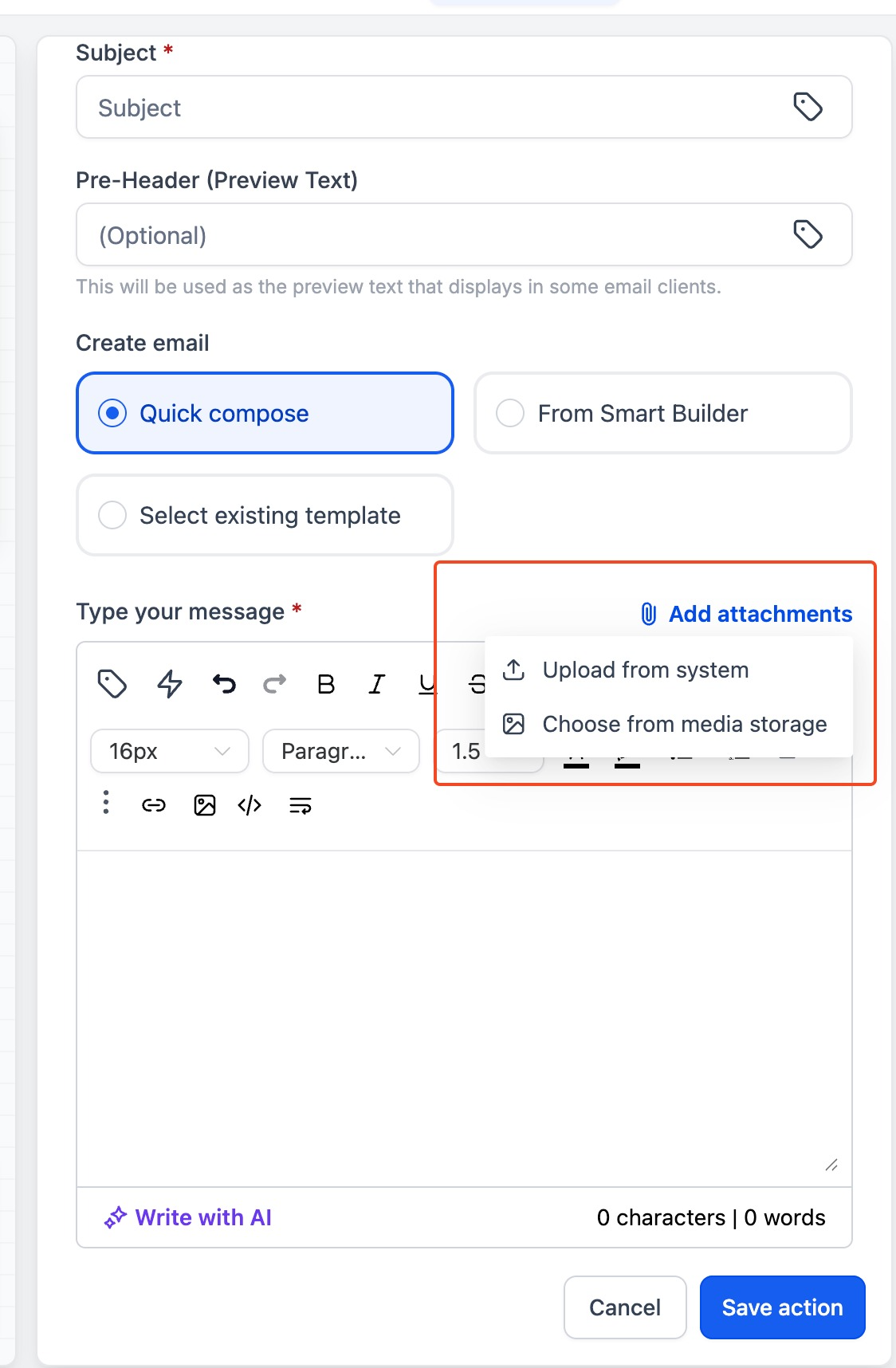
We’ve enhanced the Email Action by integrating it with the Media Library.
You can now:
Attach files directly from the Media Library
Upload and attach files from your local system
Benefits
  • Centralized file management → Reuse assets already stored in Media Library
  • Improved efficiency → No need to re-upload the same files repeatedly
  • Greater flexibility → Choose between existing assets or new uploads
  • Faster workflows → Reduce time spent managing attachments
How to Use
  • Go to your Workflow or Email Action
  • Open the Send Email Action settings
  • Scroll to the Attachments section
  • Choose one of the following:
  • Select from Media Library → Pick an existing file
image
  • Upload from Device → Add a new file from your system
  • Save your email action and publish the workflow

Was this article helpful?

That’s Great!

Thank you for your feedback

Sorry! We couldn't be helpful

Thank you for your feedback

Let us know how can we improve this article!

Select at least one of the reasons
CAPTCHA verification is required.

Feedback sent

We appreciate your effort and will try to fix the article